Renting a Golf Cart in Beaufort?
Swipe For Our Most Frequently Asked Questions:
* Scan and Go Customers: Please visit the bottom of the page for how-to instructions!
Where Can I Drive the Cart?
Most of our rentals are registered for use within the Town of Beaufort only. Certain areas, including Atlantic Beach or other townships, may require an LSV rental depending on where the cart will be driven. Please ask before booking if you are staying outside of the Town of Beaufort. Click the icon for a map of where you can drive in Beaufort.
Charging
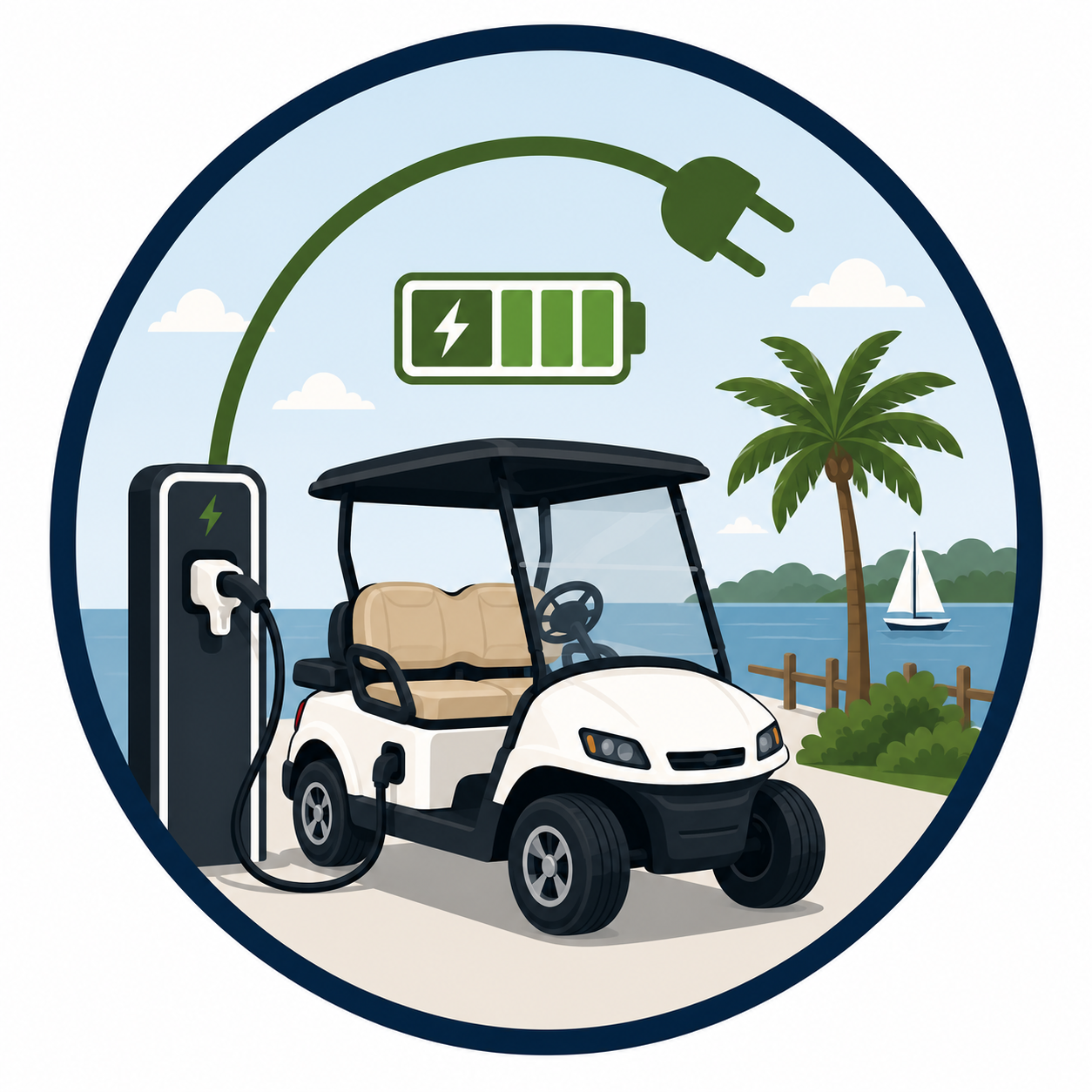
Electric golf carts should be charged overnight and whenever possible during your rental. A charger is included with every rental, and a complimentary charging station is available at our Middle Lane rental lot if you need to recharge while you're out exploring Beaufort. Battery life depends on usage, passengers, terrain, and how often the cart is charged.

Can the Cart be Delivered?
Yes! Delivery may be available depending on your location, cart type, and availability. Delivery and pickup fees apply, so please contact us for a quote based on your delivery location. *Please note: The rental prices listed on our website do not include delivery or pickup fees.
Rental Pricing
|
Rental Type
|
Daily
|
Weekly
|
|---|---|---|
|
4P - Standard
|
$99
|
$599
|
|
4P - Premium
|
$139
|
$799
|
|
6P - Standard
|
$129
|
$774
|
|
6P - Premium
|
$179
|
$999
|
Returning Your Cart
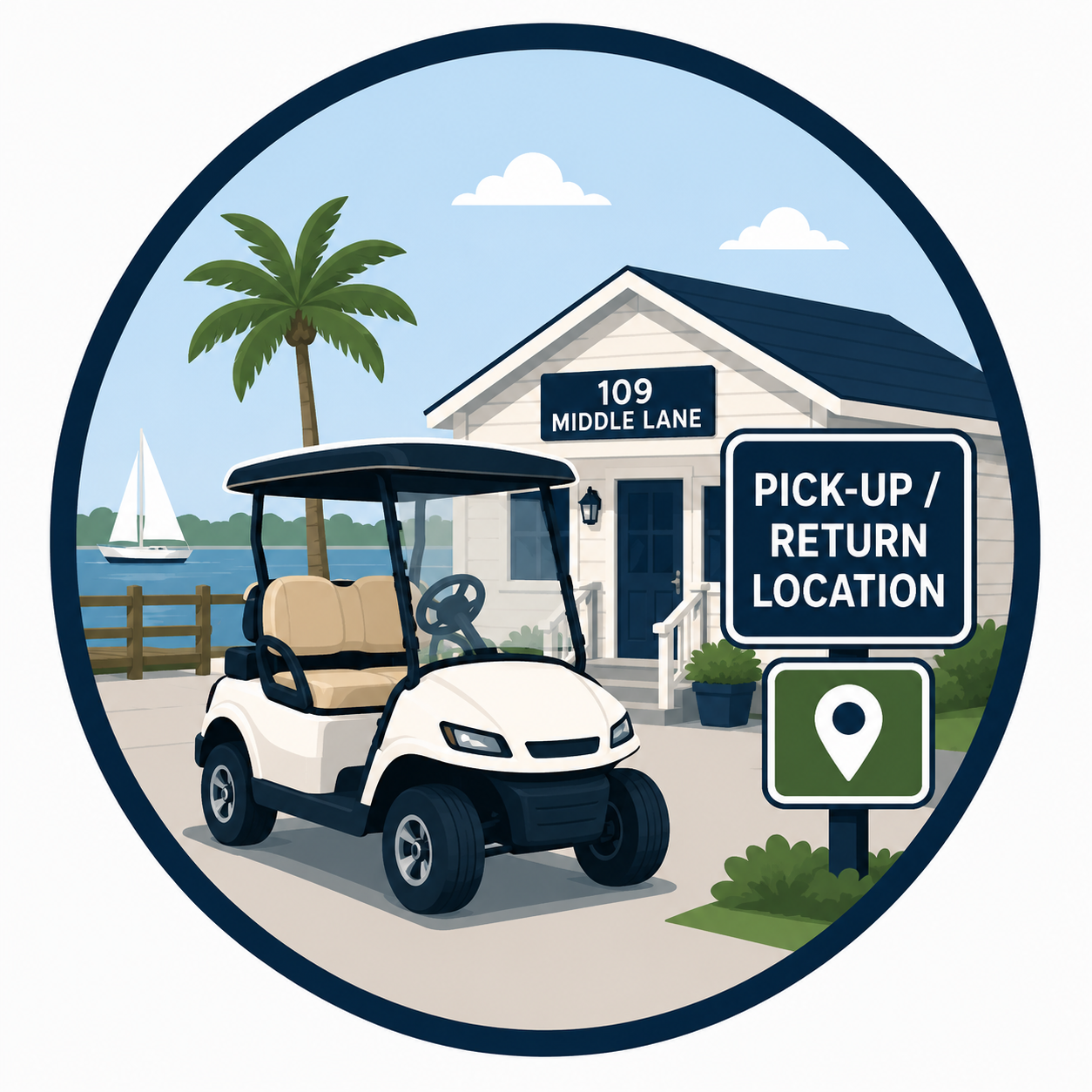
Simply place the key in the black drop box located on the power pole at the back of the property. If there is an open space at the charging station, we appreciate you plugging the cart in before you leave so it's ready for the next guest.
→ Beaufort Hotel Guests: Please return your golf cart to the hotel at the end of your rental.
→ Compass Hotel & Scan & Go Guests: Please return your golf cart to the designated parking area shown in the app (the Compass Hotel parking lot where you picked up the cart). Your ride cannot be ended unless the cart is returned to this designated area. Before leaving, be sure to properly end your ride in the app—not just pause it. Failure to properly end your ride will result in additional rental charges.
Frequently Asked Questions
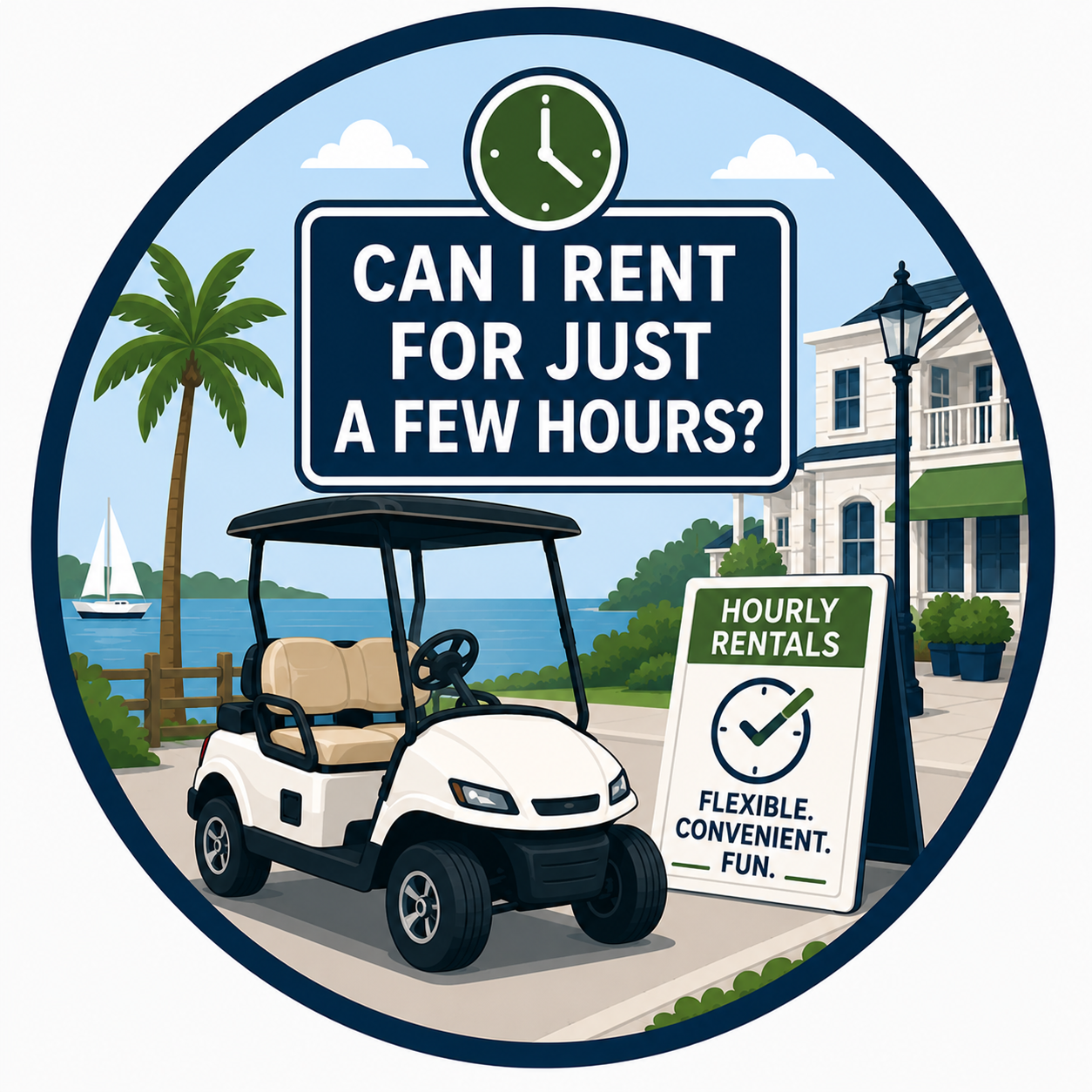
Can I Rent for Just a Few Hours?
Our standard rentals have a daily minimum rental period. Shorter rentals may be available during the off-season, depending on availability. If you're looking for a more flexible option, check out our Scan & Go rentals located at the Compass Hotel, where you can rent by the hour, half-day, or full day—all through the app with no reservation required.
Who Can Drive the Cart?
Drivers must be 21 years or older, possess a valid driver's license, complete the rental waiver, and follow all local traffic laws and the terms of the rental agreement throughout the rental period.
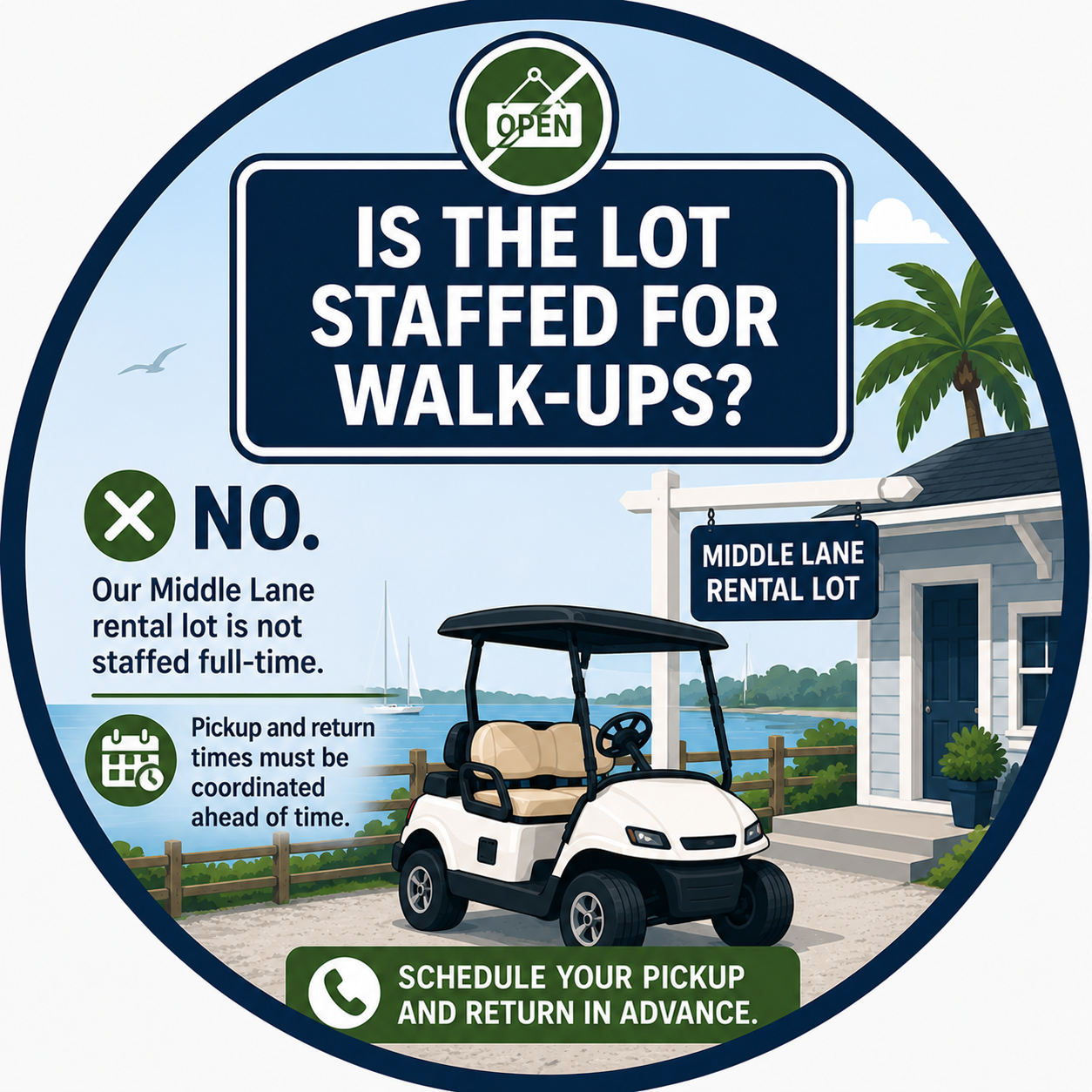
Is the Rental Lot Staffed for Walk-Ups?
No. Our Middle Lane rental lot is not staffed full-time, so pickup and return times are typically scheduled in advance. However, same-day call-ins are welcome based on availability, and a member of our team can often meet you at the rental lot to get you on your way. If you're planning an early morning or after-hours pickup, we can also stage your golf cart ahead of time so it's ready when you arrive.

How Scan & Go Works
1. Download the Revii App
Download the Revii app from the Apple App Store or Google Play and create your account.
2. Find Your Golf Cart
Open the app to view available golf cars nearby. Select your preferred golf cart to view standard rental pricing or purchase a Ride Pass for the best value.
3. Purchase a Ride Pass (Optional)
Save with a Daily or Weekly Ride Pass before starting your rental. Ride Passes can be purchased by selecting Ride Pass from the app menu and will automatically be applied to your rental when you begin your ride. If you do not purchase a Ride Pass, standard rental pricing will apply.
4. Complete Your Rental Information
Enter your contact information, upload a valid driver's license, complete the rental waiver, and process your payment securely through the app. This one-time setup only takes a few minutes.
5. Unlock & Ride
Once you're at the golf cart, tap Start Ride in the app. The cart will unlock, and you're ready to explore Beaufort! During your rental, use the Play/Pause buttons in the app to turn the golf cart ON and OFF as needed.
6. Return & End Your Ride
When you're finished, return the golf cart to the designated parking area shown in the app. Once you've parked, tap End Ride (not Pause) to complete your rental. Your ride cannot be ended unless the cart is returned to the designated return location.
Watch Just How Easy Our Scan & Go Booking Is!
Rental Rules & Regulations
Downtown Beaufort Rental Agreement & Rules
Applies to all standard reservations booked directly through Sinclair's Golf Cars. Separate rental agreements and additional policies may apply for other rental types.